Schedules and events
Choose what starts your workflow.
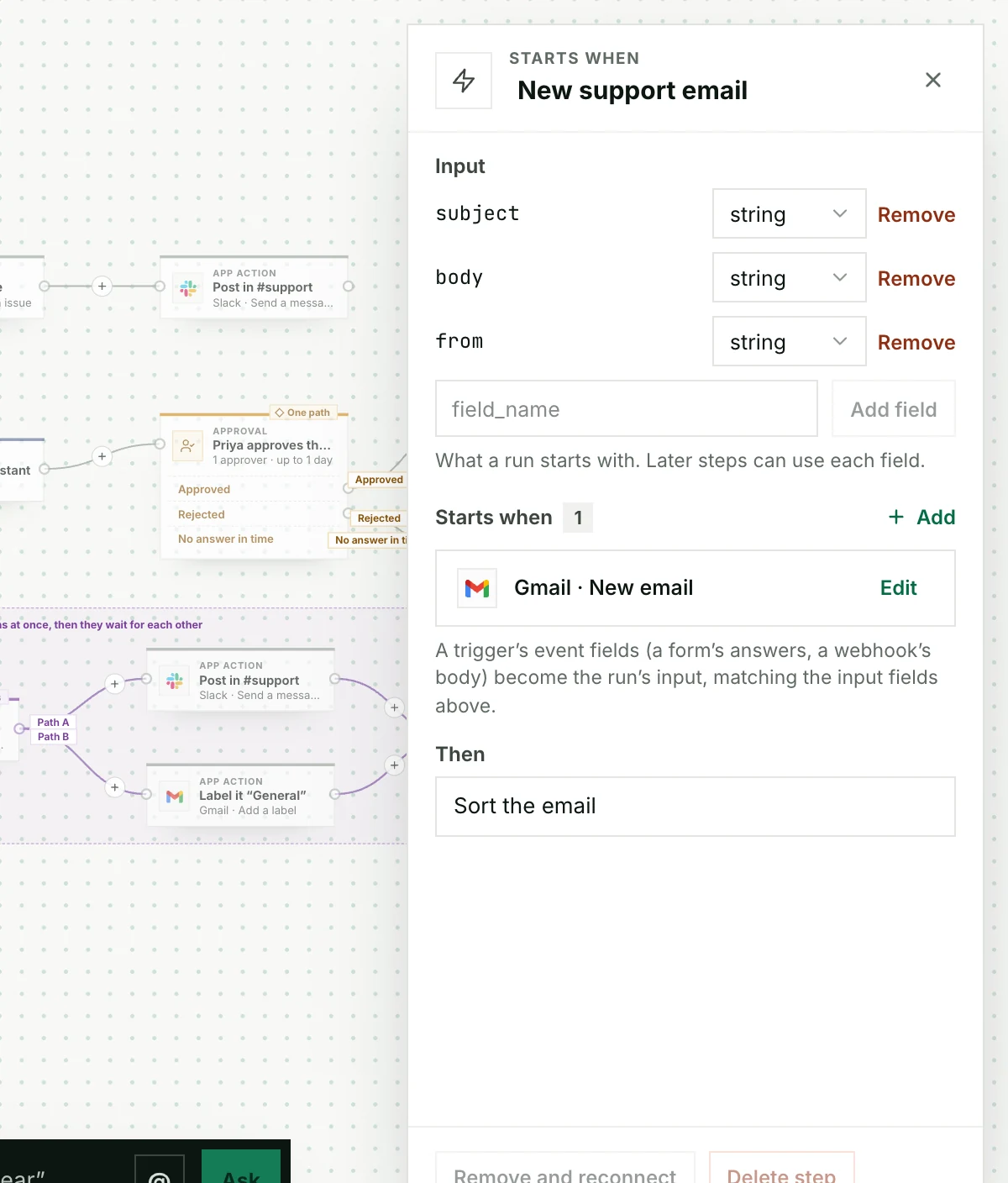
A published workflow runs when something starts it. Click the first step, Starts when, then + Add.
| Start it… | Example |
|---|---|
| On a schedule | Every weekday at 9:00 |
| When something happens in an app | A new email in the support inbox |
| From your system | Your backend calls a webhook |
| When someone fills in a form | A refund request |
| When another workflow fails | Alert the team |
Save the trigger, then Publish changes. A trigger isn’t active until you publish.
App events
First create the app subscription in Triggers, for example “new email in the support inbox”. Then choose it in the workflow’s App event trigger. The event’s fields become the run’s input. The subscription and its account must belong to the same customer.
Schedules
Pick how often, or choose Custom and write a cron line. Check the preview of the next runs, in your time zone. The shortest gap is five minutes.
| Example | Cron |
|---|---|
| Every five minutes | */5 * * * * |
| Weekdays at 09:00 | 0 9 * * 1-5 |
Whose accounts does it use?
A trigger runs as the person or session that set it up, using their connected accounts and permissions. If that access is removed, new runs stop until someone sets it up again.
For developers: add a schedule or call a webhook from code
const current = await stacklink.workflows.get(workflow.id);
const trigger = await stacklink.workflows.saveTrigger(workflow.id, {
  expectedRevision: current.revision,
  name: 'Daily ticket check', kind: 'schedule', enabled: true,
  sessionId: session.id, cron: '0 9 * * *', timezone: 'Asia/Kolkata',
  input: { ticketId: 'daily-demo' },
});
await stacklink.workflows.publish(workflow.id, trigger.revision);
Call a published webhook trigger from your backend. Reuse the same request ID for the same event, so it never starts twice:
await stacklink.workflows.invokeTrigger(workflowId, triggerId, 'ticket-created-42', { ticketId: 'ticket-42' });Fixed trigger inputs override matching event fields. An explicit inputMapping uses exactly the fields you map instead.
If Stacklink was unavailable at a scheduled time, missedRuns: "latest" runs one overdue slot when it’s back; "skip" skips it.